
The AI Rendering Studio Built for Architects
Upload a screenshot of your 3D model, a viewport render or a floor plan. Get a photoreal render that keeps your camera and layout, then edit, relight, upscale or turn it into a video.
10 free credits for new accounts · No credit card required
Start from a screenshot of the software you already use
- SketchUp
- Revit
- Rhino
- 3ds Max
- Archicad
- AutoCAD
- Blender
- Enscape
- Lumion
From model to photoreal
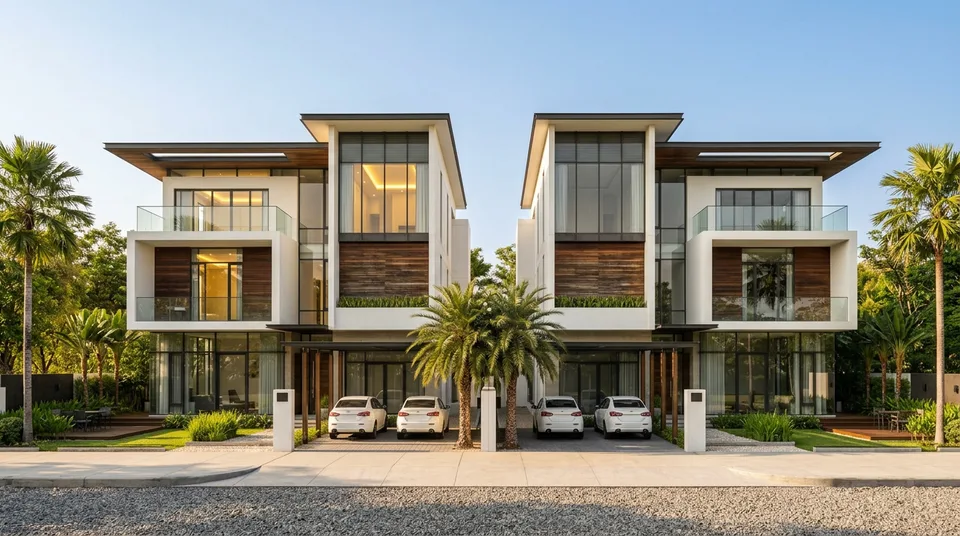
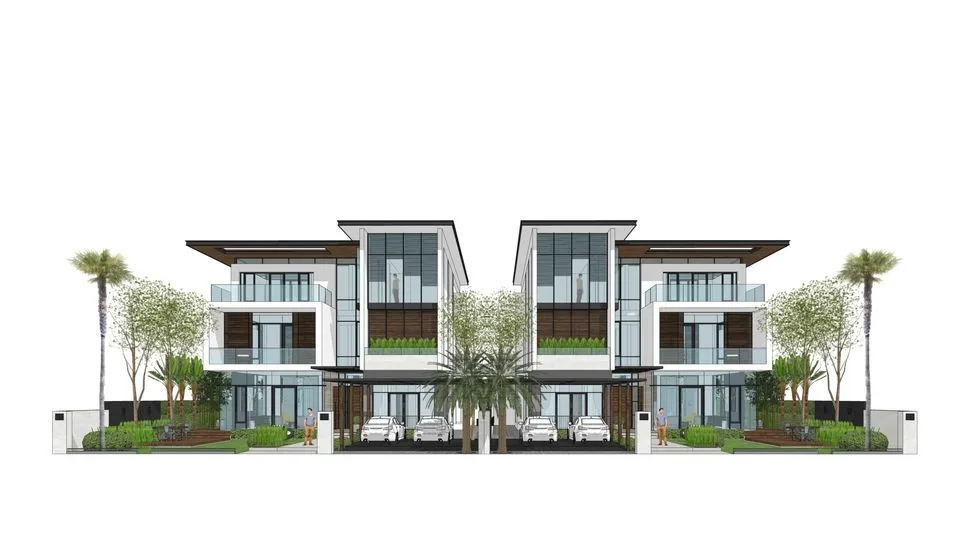
Real results from each studio. Drag the slider to compare the model view with the render.
How it works
Three steps, all in the browser. Nothing to install.
- 1
Upload your view
Pick a studio (Exterior, Interior, Landscape, Masterplan or Floor Plan) and upload a model screenshot, viewport render or plan drawing.
- 2
Choose the look
Set the style, lighting and atmosphere in Quick or Advanced settings, describe the space, or add a reference image.
- 3
Render and refine
Render at 1K, 2K or 4K, then keep editing with Smart Edit, Erase, Materials, Relight, Post-Process and Upscale. Every result stays in your Assets.
Everything you need for professional renders
Render studios for every kind of project, plus tools to edit and present the result.
Render
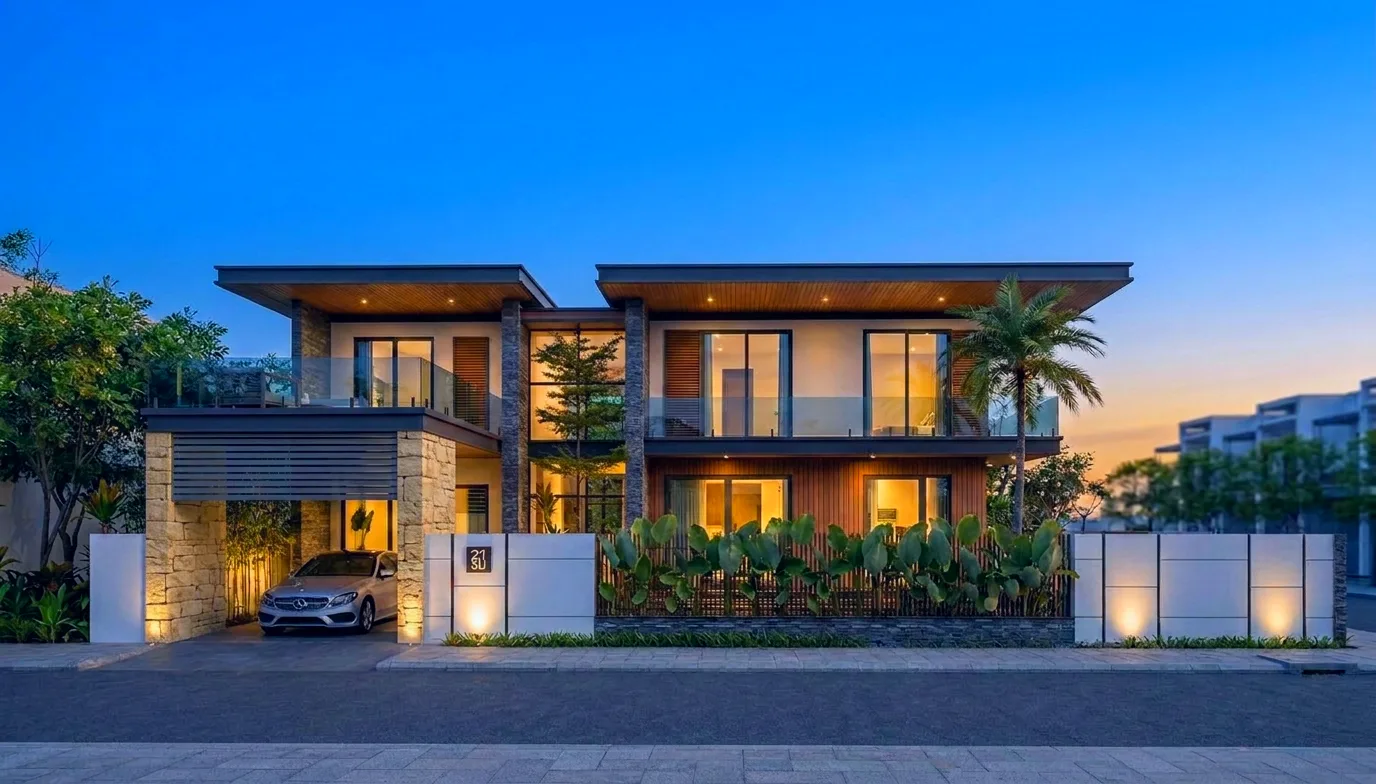
Turn a building model into a photoreal exterior, from daylight to dusk.

From a raw 3D model view to a photoreal interior in one click.
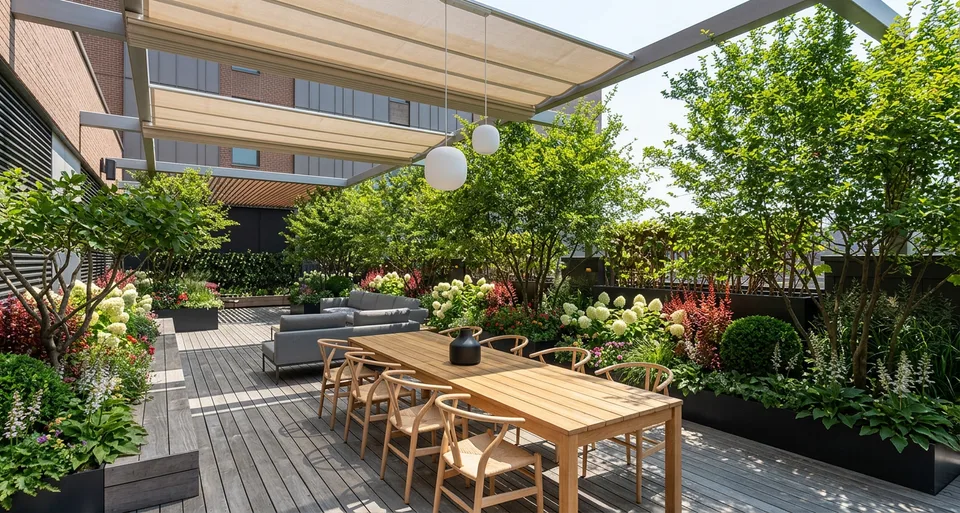
Bring gardens, terraces and outdoor spaces to life.
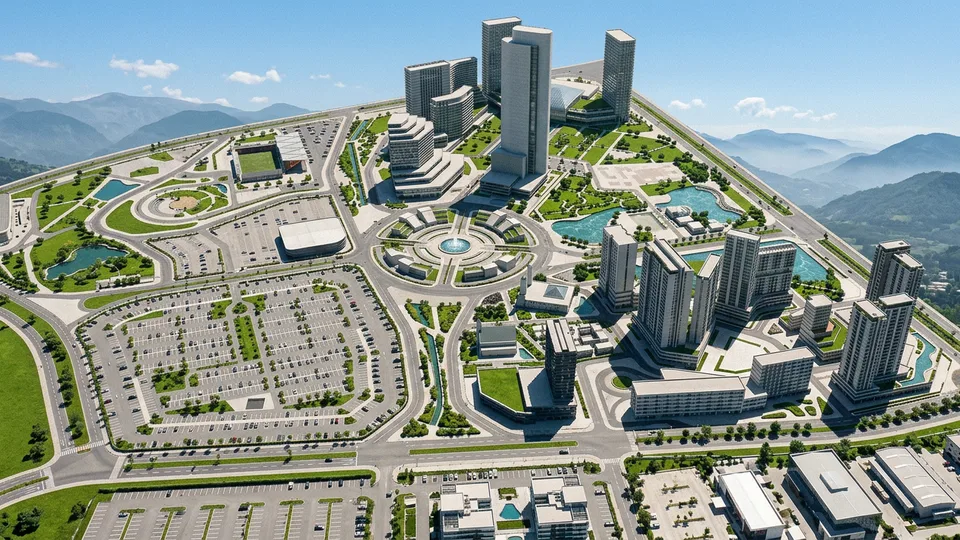
Present a whole site as a realistic aerial view.
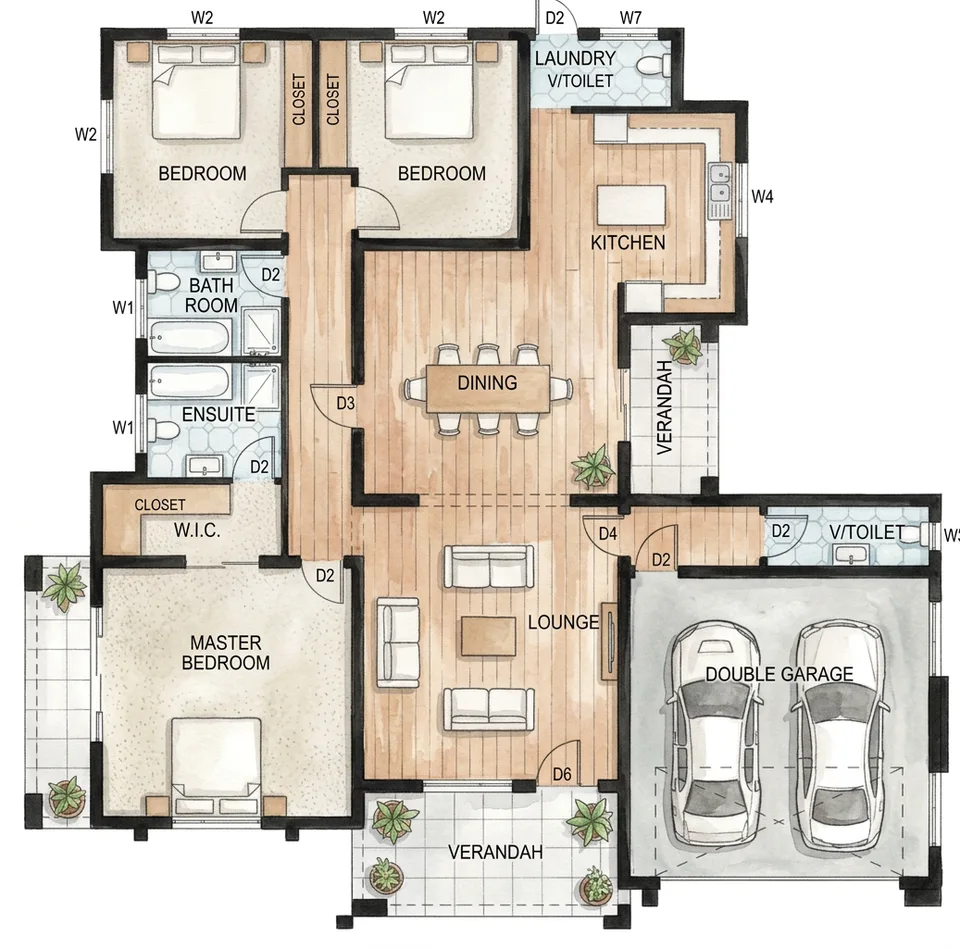
Turn a 2D line drawing into a colored, furnished plan.
Render every angle of a space to match one finished render.
Turn a render into a short video: pick a camera move, or animate from a first to a last frame.
Edit & Enhance

Change anything with an instruction, on the whole image or a marked area.
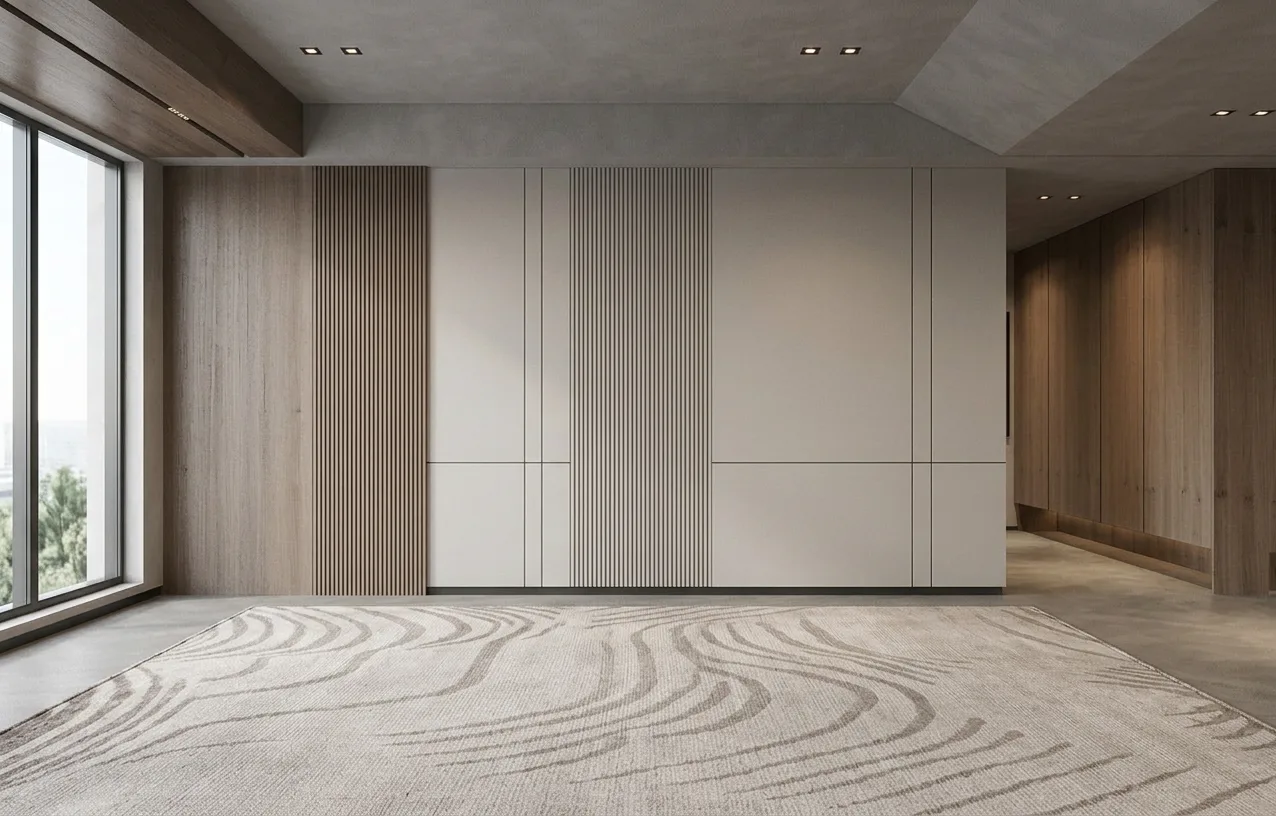
Remove unwanted objects and fill in the background naturally.
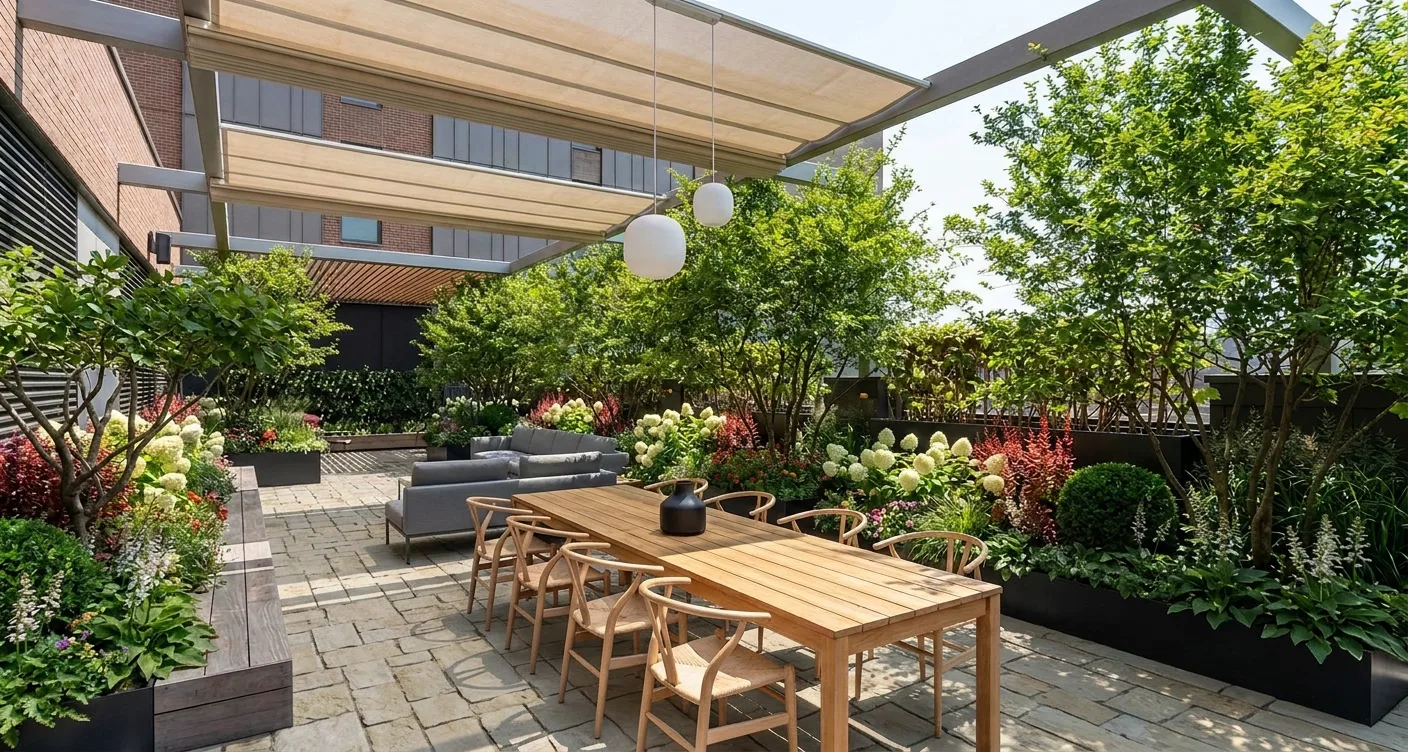
Swap a surface's material, matched to your own sample.
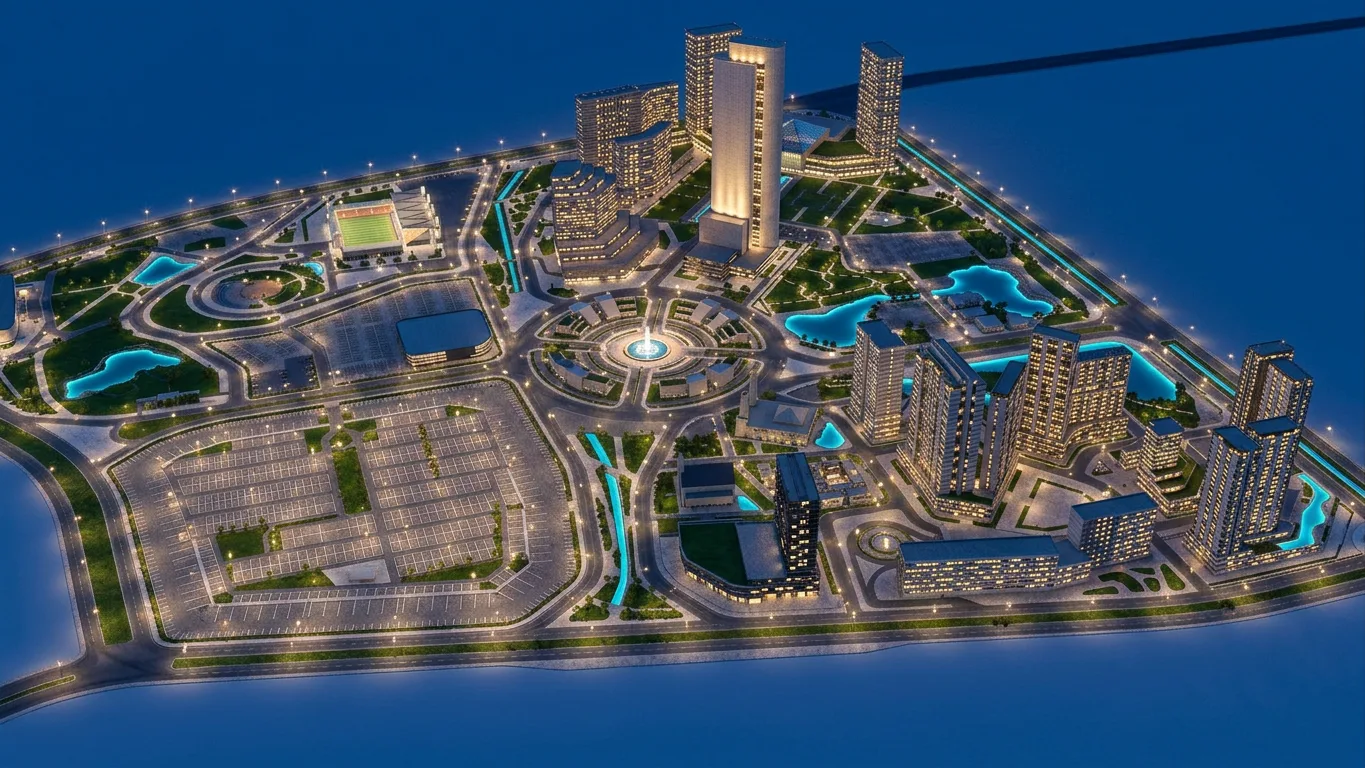
Switch the lighting: daylight, dusk, night or your own reference.
Fine-tune color and light, previewed live.

Enlarge a render and sharpen fine detail without changing the design.
From hours to minutes
The visualization work that used to take a day, done in the browser.
| Step | The traditional way | With SketchRender |
|---|---|---|
| Setup | Install rendering software on a powerful workstation | Open a browser on any computer. No installs. |
| Realism | Hours setting up materials, lights and sky | Lighting, materials and atmosphere rendered for you |
| Edits | Change the model and re-render the whole scene | Describe the change in Smart Edit, or mark an area to erase |
| Lighting | Rebuild the light setup for each time of day | Relight to daylight, dusk or night in one run |
| Post-production | Color-correct in a separate image editor | Post-Process with a live preview, free of credits |
| Resolution | Render again at a larger size | Render at 1K, 2K or 4K, or Upscale a finished render |
| Animation | Set up camera paths and render every frame | Pick a camera move or a first and last frame |
Choose the plan that fits your work
Monthly credits for every tool, with packs to top up whenever you need more.
Starter
For occasional rendering projects
- 100 credits / month
- 100 renders per month (1K)
- Unused credits roll over one month
- Render, Edit & Video tools
- 1K, 2K, and 4K options
- Commercial license
Pro
Most popularFor daily work and client presentations
- 300 credits / month
- 300 renders per month (1K)
- Unused credits roll over one month
- Render, Edit & Video tools
- 1K, 2K, and 4K options
- Commercial license
Studio
For teams and high-volume production
- 700 credits / month
- 700 renders per month (1K)
- Unused credits roll over one month
- Render, Edit & Video tools
- Priority queue
- 1K, 2K, and 4K options
- Commercial license
- Secure payment
- Cancel anytime
- Pack credits never expire
- Friendly support
Rather pay once?
Pick a pack, no subscription needed. Pack credits never expire and stack with any plan, now or later.
Project Pack
$0.33 per credit
One project, no subscription
- 150 credits
- Render, Edit & Video tools
- 1K, 2K, and 4K options
- Credits never expire
- No subscription
Deadline Pack
$0.28 per credit
Many renders for a deadline or a competition
- 350 credits
- Render, Edit & Video tools
- 1K, 2K, and 4K options
- Credits never expire
- No subscription
Frequently asked questions
What can I upload?
A screenshot of your 3D model (SketchUp, Revit, 3ds Max, Rhino…), a quick viewport render, or for Floor Plan AI a 2D plan drawing or CAD export. Any image works; you don't need a plug-in.
Will the render keep my design?
Yes. The camera, layout and modeled objects stay as you designed them; lighting, materials and atmosphere are rendered for you. Choose Original to stay closest to your model, or Creative for more freedom.
Can I edit a render after it's made?
Yes. Open any result in Smart Edit, Erase, Materials, Relight, Post-Process or Upscale. Each edit is saved next to the original in your Assets.
What is a credit?
Credits power every AI tool. A render or edit uses 1 credit at 1K, 2 at 2K and 3 at 4K on the Standard model, or 3, 4 and 6 on Pro; Upscale to 4K uses 4; video uses 2 credits per second at 480p and 3 at 720p. Post-Process is free.
Should I choose a monthly plan or a pack?
Choose a plan if you render every month: plan credits cost less, down to $0.14 each on Studio. Choose a pack if you render only now and then: you pay once, there's no subscription, and the credits never expire.
Do credits expire?
Pack credits never expire. Plan credits roll over for one month: at each renewal, unused plan credits up to one month of your plan carry over, so you can hold up to two months of plan credits. When a subscription ends, its remaining plan credits end too. Renders always use plan credits first, so your pack credits last longer.
Which plan should I choose — Starter, Pro or Studio?
Starter gives 100 credits a month for $19 — for occasional rendering projects. Pro gives 300 credits a month for $49 — for daily work and client presentations. Studio gives 700 credits a month for $99 with the priority queue — for teams and high-volume production.
What's included in each plan and pack?
Every plan and pack unlocks every tool — Render, Edit and Video — with 1K, 2K and 4K output. Plans differ only in monthly credits, and Studio adds the priority queue.
Can I buy more credits later?
Yes. You can buy a Project Pack (150 credits for $49) or a Deadline Pack (350 credits for $99) at any time, with or without a plan, including on the Free account. Pack credits are added to your balance and never expire.
Can I cancel anytime?
Yes. Cancel at any time and keep your plan until the end of the period you paid for. Its plan credits stay usable until then; pack credits never expire.
Is there a free trial?
Yes. New accounts get 10 free credits — enough for about 10 renders at 1K, no credit card required. Higher resolutions and video use more. Try every tool before you choose a plan or a pack.
Ready to render your next project?
Create an account and try every tool with your free credits.
10 free credits for new accounts · No credit card required